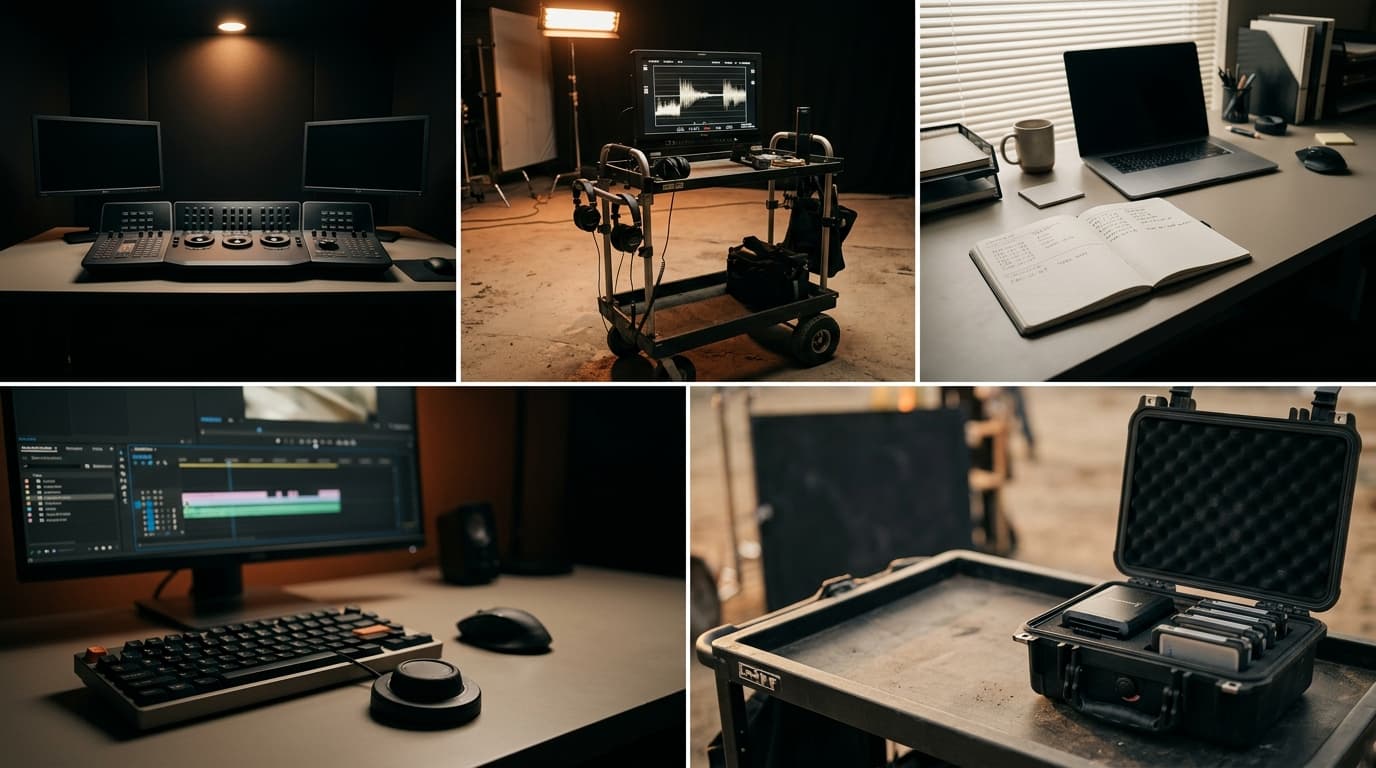
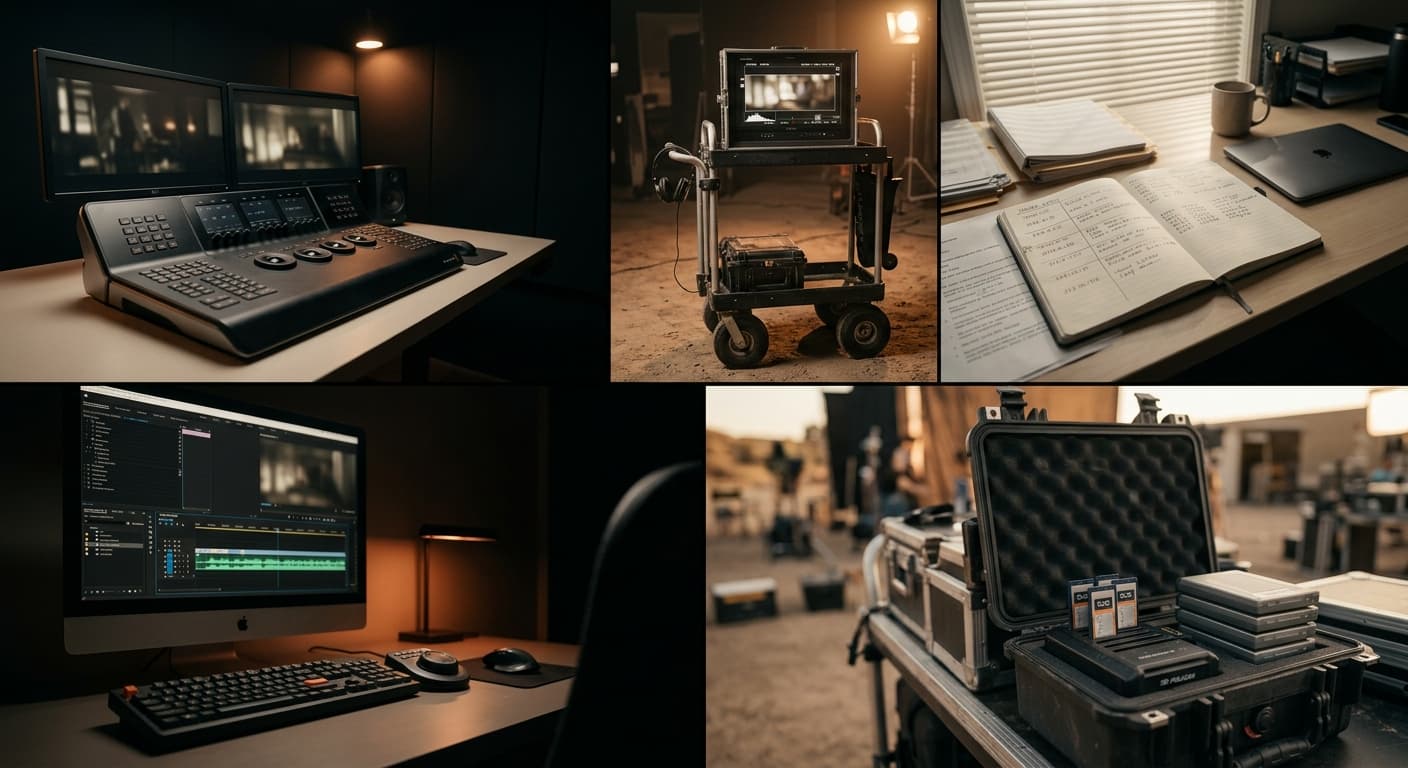
The one-man crew problem
You shot it alone, you'll cut it alone. Three cameras, three looks, one editor, one deadline. Here's why color matching kills the weekend, and what MOVON does about it.
You shoot it alone. You set up the A-cam, walk over, set up the B-cam, throw the drone up for a wide, run back to camera. You're the director, the DP, and the sound guy. By the time the day wraps, you're tired in a specific way: the way that only happens when you're the only one holding the whole thing together.
Then you go home. And you remember you're also the editor.
The desk problem nobody talks about
Pre-production glory shots get all the YouTube views. Nobody films the part that actually kills your weekend.
You drop three folders into Premiere: A-cam mirrorless, B-cam pocket, drone. Timeline. Play. The cut works. The story works. The pacing works.
The color doesn't.
A-cam is in S-Log3, slightly warm. B-cam is in V-Log, slightly green. Drone is in D-Log, slightly… you don't know what it is. You haven't slept. You squint at the scopes.
Now starts the part nobody tells you about when you bought the second camera:
- Identify the LOG profile on each clip. Right-click, look at the metadata, hope it's tagged correctly.
- Find the display LUT for each profile. Open the LUT folder. Scroll. Try one. Wrong. Try another. Closer. Apply.
- Match the cameras to each other. Not to a creative look. Just to each other. Open Lumetri. Pull curves. Pull HSL. Compare side-by-side. Adjust. Compare again.
- Match the drone. This one's worse. The drone has a tiny sensor with a different color science entirely. You'll fight this clip the longest.
- Notice the gap got bigger. You fixed clip 1, now clip 2 looks wrong. Loop.
A 2-hour shoot turns into 6 hours of color matching. That is matching, not grading. You haven't even started the creative look yet.
Why "good enough" usually wins (and why that's the problem)
Solo creators ship "good enough" because they have to. The deadline doesn't move. The client doesn't pay extra for matched cameras. You publish.
But here's the thing the viewer can't articulate but always feels: when cuts don't color-match, the work reads as amateur. They don't say "the A-cam is warmer than the B-cam." They say "something feels off." They click away.
You did everything right on set. You composed the shots, you nailed the audio, you got the focus. Then the LUT folder ate your evening and your work looks like it was edited at 3 AM.
Because it was.
What MOVON does about it
Open the MOVON panel inside Premiere, select the clips you want matched, and pick one reference. That can be a clip on the timeline that nailed the look, a grade you already built, or a film stock from the library.
Then it matches the rest.
MOVON's AI reads the color of the reference and of every selected clip, works out one grade per clip, and applies that grade to the clips on your timeline. It lands as a single undo step, so one Cmd+Z takes the whole pass back off. You can also export the match if the film is finishing in another editor, but you do not have to export anything to see it on your own cut.
The AI runs on MOVON's servers, so you sign in with a MOVON account and the match needs a connection. What travels is only the color data the plugin reads from the timeline. Your footage, frames, and project never upload, and what comes back is a set of numbers.
The whole afternoon, collapsed. The same matched look you'd have built by hand. MOVON just does the squinting for you. Across the beta so far, the median clip takes 1.2 seconds.
You shoot alone. You don't have to color alone.
MOVON exists because every solo creator we know has the same Saturday: the one where the color matching ate the day. We built it for that day.
If you're cutting your own multi-cam right now, grab the beta. It's free through the end of 2026.
The MOVON Labs team
Get the next dispatch in your inbox.
Release notes, color science notes, and the occasional field report. No marketing. Unsubscribe one click.