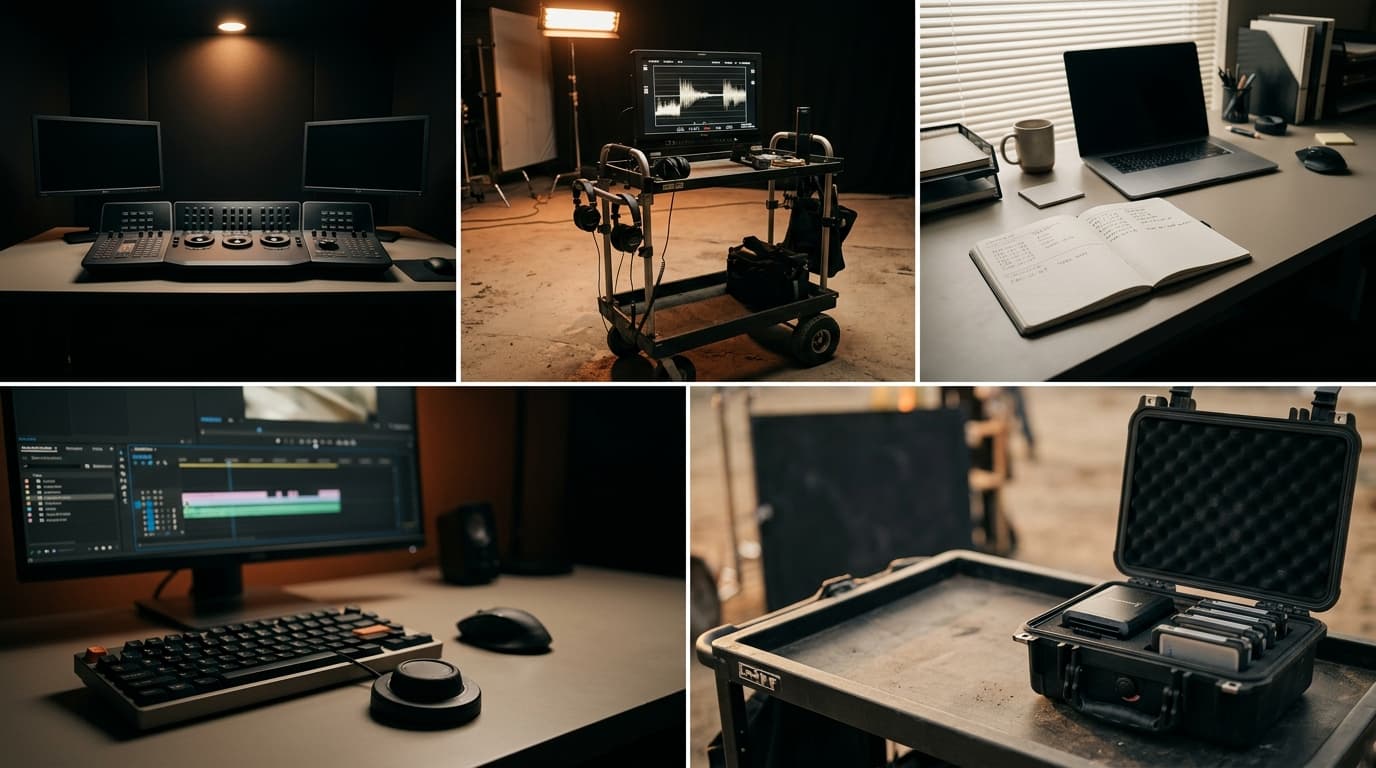
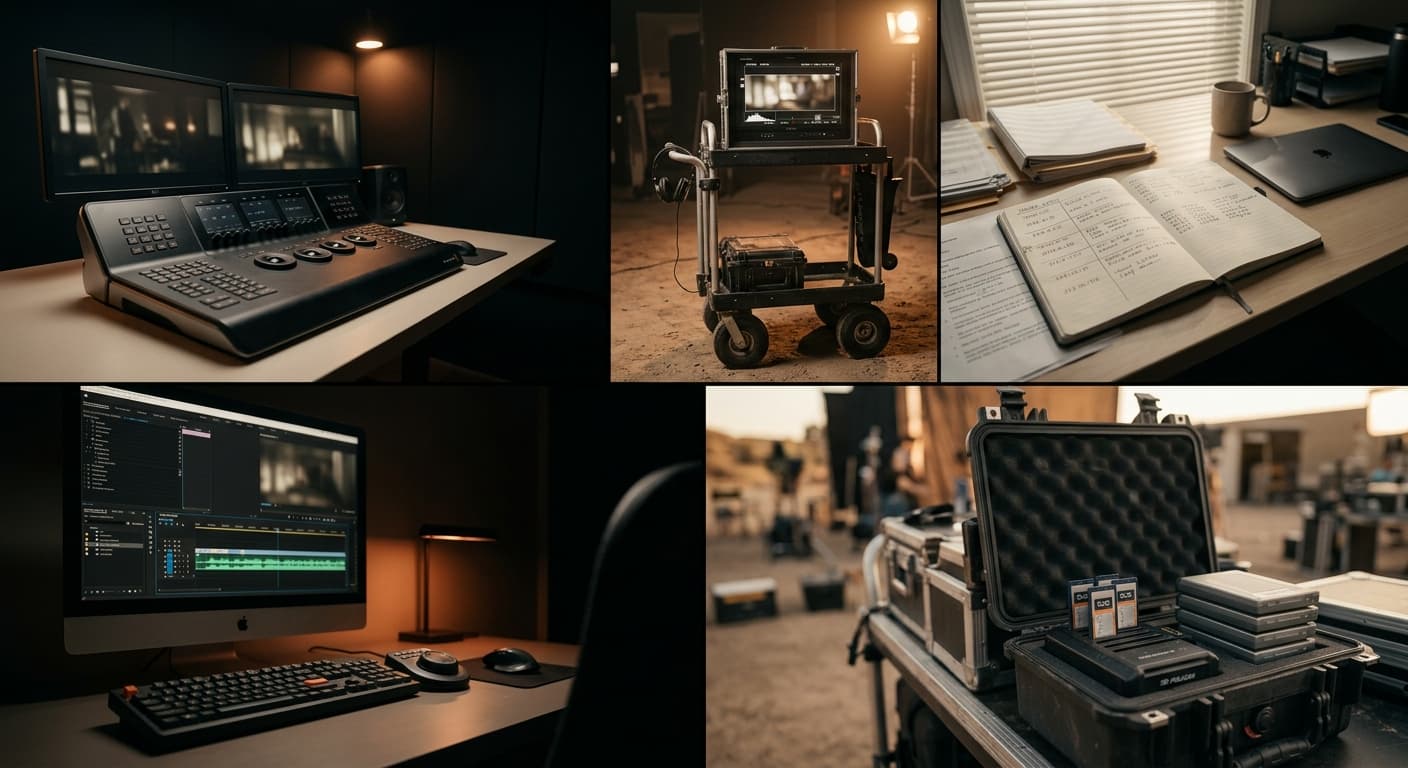
Matching cameras is not grading them
Two different jobs that get called the same thing. What color matching actually is, what creative grading is, and why MOVON only does one of them.
"Color" gets used as one word in post, but it is really two jobs. Confusing them is why some timelines never look right no matter how long you spend on them, and it is the clearest way to explain what MOVON Match does and does not do.
Matching: making the cameras agree
Color matching is a technical job. The goal is narrow and measurable: every camera on the timeline should look like it came from the same camera. The A-cam, the B-cam, the drone: all neutral together, all skin tones in agreement, no clip betraying which body it was shot on.
Matching has a right answer. Two clips either agree or they don't, and you can see it on a scope. It is the unglamorous part. Nobody finished a project and felt proud of the matching. They just felt the relief of it being done. For the textbook version of the term, with correction and grading defined next to it, see what color matching in video actually is.
Grading: deciding how the film should feel
Creative grading is the other kind of job. There is no right answer. It is the cold blue of a thriller, or whatever the film is asking for that week. It is taste, and it is the part a colorist is actually hired for.
Grading happens after matching, and it depends on matching being done first. You cannot make a consistent creative decision across a timeline where the cameras don't agree. Every cut undoes the look you just built.
Why the order matters
Think of it as a stack:
- Display LUT. Gets each clip to a viewable range.
- Match. Gets every camera to agree with your chosen reference.
- Grade. Applies the creative look across the now-consistent timeline.
Skip the match and the grade fights you. Every time the edit cuts to another camera, the look shifts, and you find yourself re-grading per clip, which is really just matching, done the slow way, in disguise.
What MOVON does, and what it leaves to you
MOVON Match does step 2. Only step 2. You select the clips and pick one reference; MOVON works out the grade that makes each selected clip agree with it and puts that grade on the clip. It does not pick a look. It does not decide your film should be warm or cold.
That is deliberate. MOVON removes the part nobody wanted to do and hands back a timeline where the cameras already agree.
MOVON does step 2. Steps 1 and 3 are yours.
The MOVON Labs team
Get the next dispatch in your inbox.
Release notes, color science notes, and the occasional field report. No marketing. Unsubscribe one click.